
Vision AI Documentation
How to use the Vision AI web app – dashboard, video library, moment generation, pipelines, and settings. Use the deployed app in your browser.
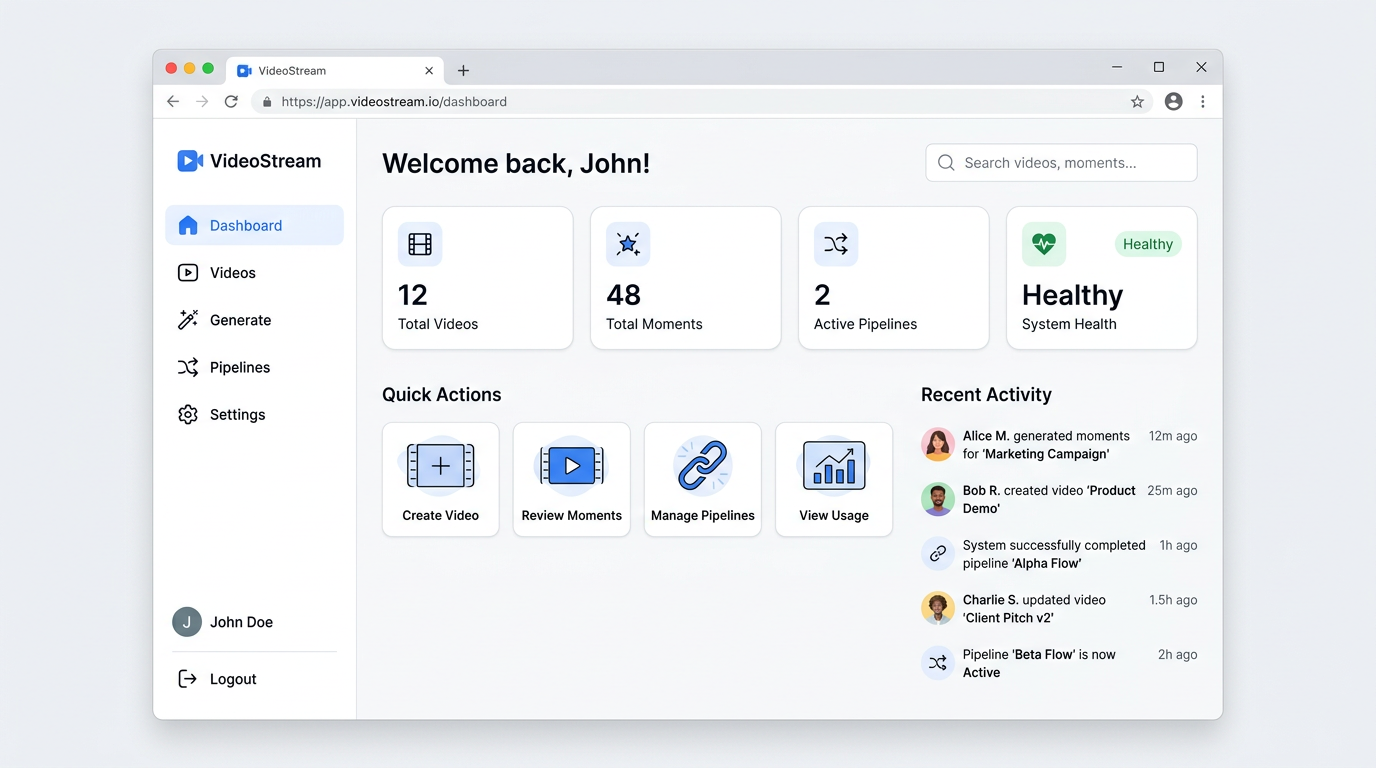
Vision AI is a web app for managing and viewing video moments. Open it in your browser at the URL your organization provides—no installation required.
What You Can Do
- Dashboard – System overview: total videos, total moments, active pipelines, system health. Quick actions and recent activity.
- Videos – Browse your video library in grid or list view. Search, filter, and sort. Open a video to see its player, moments, transcript, clips, and pipeline history.
- Generate – Create moments from a video URL: enter the URL, configure options, run the pipeline, and view results.
- Pipelines – Monitor pipeline runs: status, history, and progress.
- Settings – System and model configuration.
Where to Start
- Getting started – Open the app and use the sidebar to move between Dashboard, Videos, Generate, Pipelines, and Settings.
- How-tos – Step-by-step tasks (playing a video, using Generate, keyboard shortcuts).
- References – Full list of pages, features, and keyboard shortcuts.
Open the Vision AI app at your organization’s URL (e.g. http://localhost:3005 in local setups), then see Quickstart.